You haven't signed in yet, you can have a better experience after signing in
*Please complete the payment within {{receiveCouponInfo.expire_at}}Previous use*
You haven't signed in yet, you can have a better experience after signing in


Activity Rules
1、Activity time:{{ info.groupon.start_at }} ~ {{ info.groupon.end_at }}。
1、Activity time:cease when sold out。
2、Validity period of the Group Buying:{{ info.groupon.expire_days * 24 }} hours。
3、Number of Group Buying:{{ info.groupon.need_count }}x。
Please Pay Attention
1、Teamwork process: Join/initiate a Group Buying and make a successful payment - Within the validity period, the number of team members meets the activity requirements - Group Buying succeeded!
2、If the number of participants cannot be met within the valid period, the group will fail, and the paid amount will be refunded in the original way.
3、The number of people required and the time of the event may vary among different products. Please pay attention to the rules of the event.
AnyToISO 3 CD/DVD Disc ISO Creation, Extraction, and Conversion Tool Software
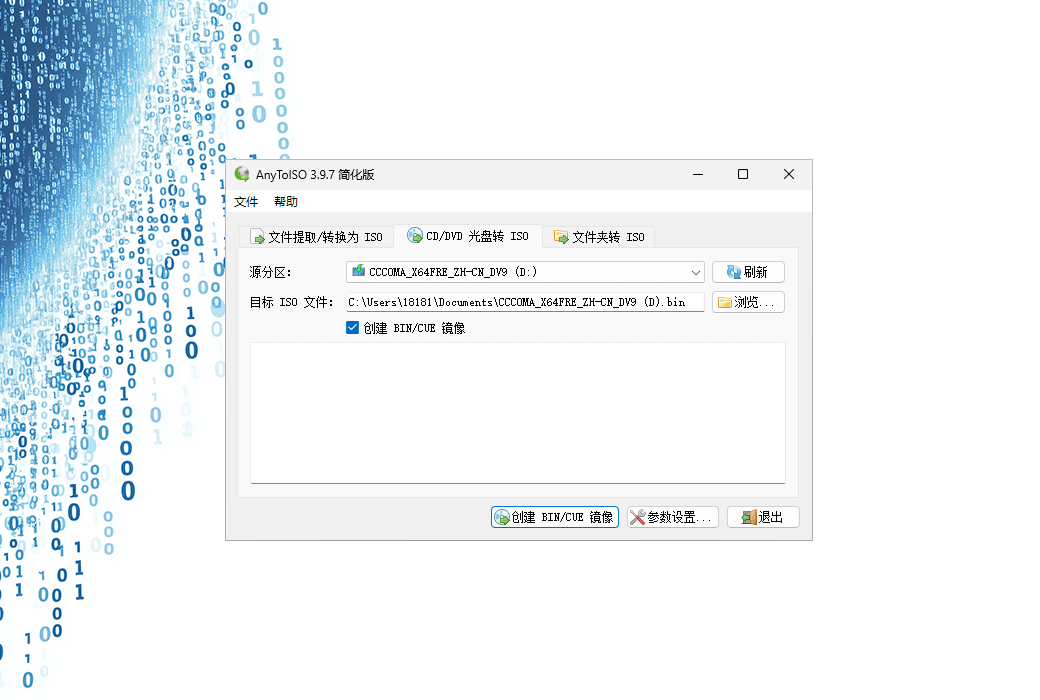
Easily extract/convert CD/DVD/Blu ray discs and folders to ISO and create ISO images using AnyToISO
Professional CD imaging tool/extractor/ISO creator
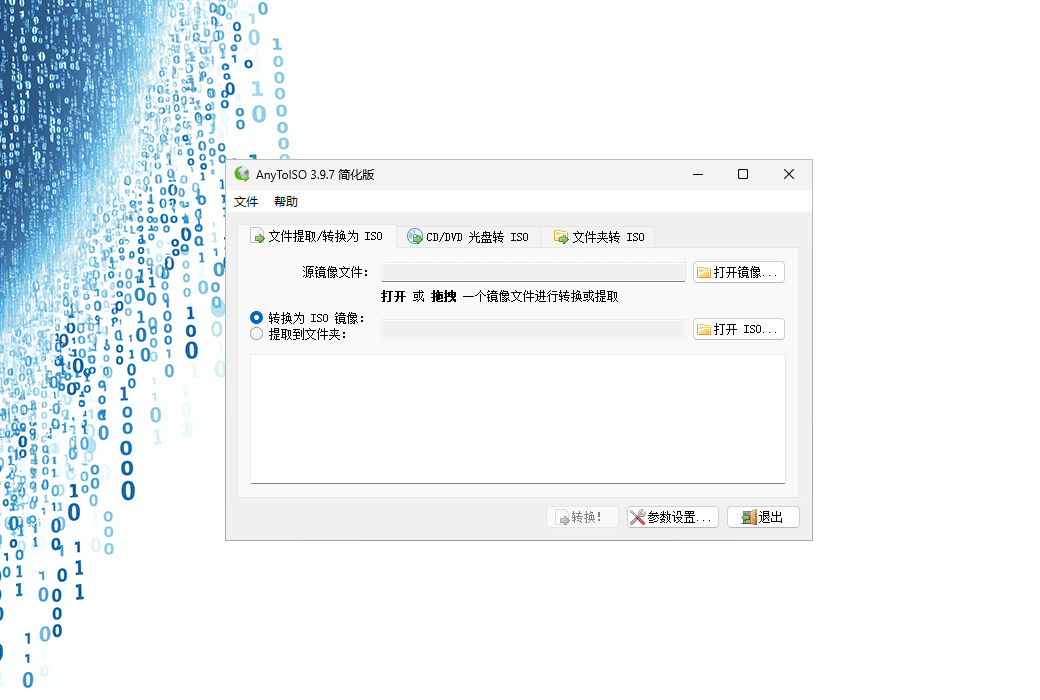
Extract any CD/DVD image or archive (7Z/RAR/ZIP/...) according to standard ISO/.
The final ISO image can be extracted later using AnyToISO or burned to another disc.
Create ISO images from files and folders located on the local disk.
Official Website:https://crystalidea.com/anytoiso
Download Center:https://anytoiso.apsgo.cn
Delivery Time: processed manually online
Operating Platform: Windows
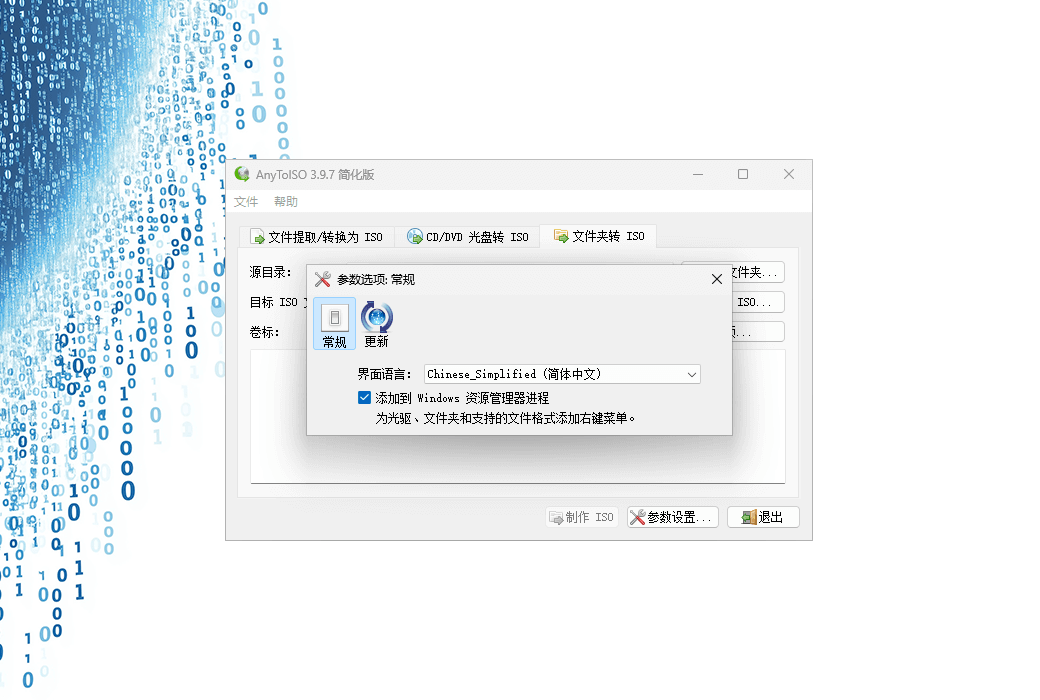
Interface Language: supports Chinese interface display, with multiple languages available.
Update Instructions: this version is valid for life and supports minor version updates (v3.x)
Trial Before Purchase: a limited free version is available for use before purchase.
How to Receive the Product: after purchase, activation information will be sent to the email address used for ordering via email, and the corresponding product activation code can be viewed in the personal center, under "My Orders".
Number of Devices: can be installed on 1 computer.
Changing Computers: uninstall on the original computer and activate on the new computer.
Activation Guide: to be added.
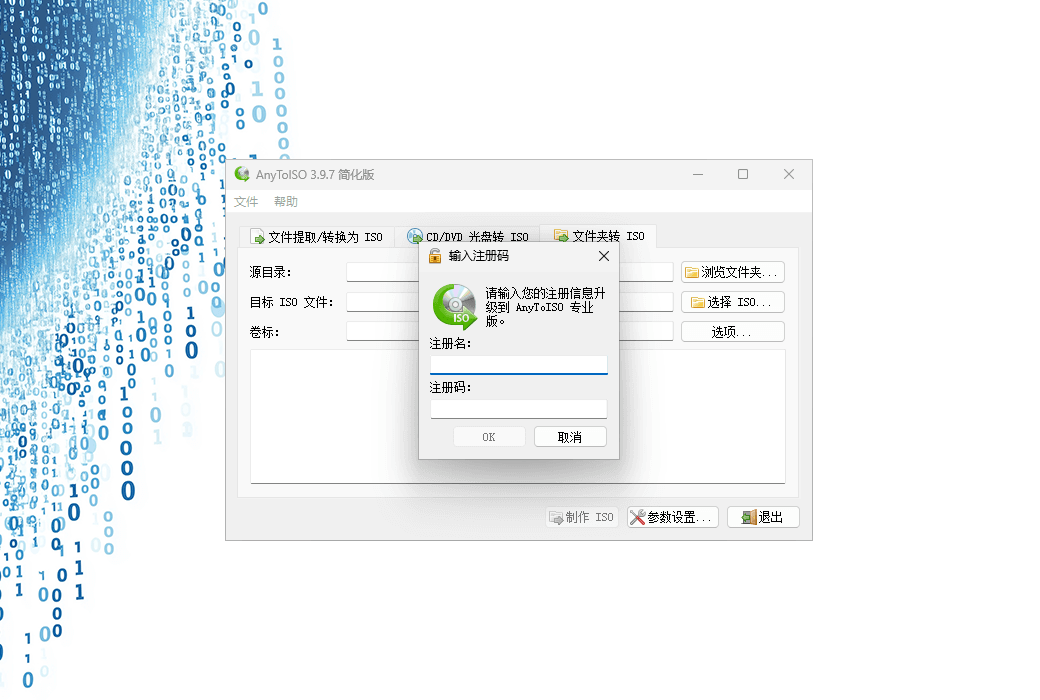
Special Instructions: has integrated with the official API for automatic delivery, with email address used as both username and registration code for activation on the software. Key retrieval is supported through the official website.
References:https://crystalidea.com/anytoiso/buy

Any question

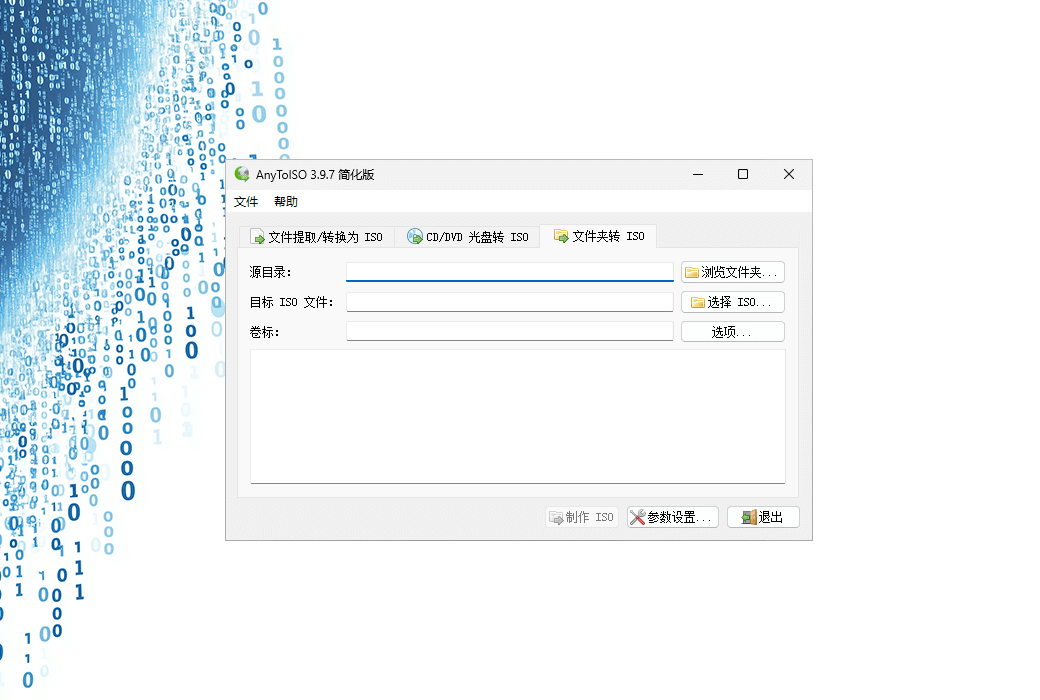
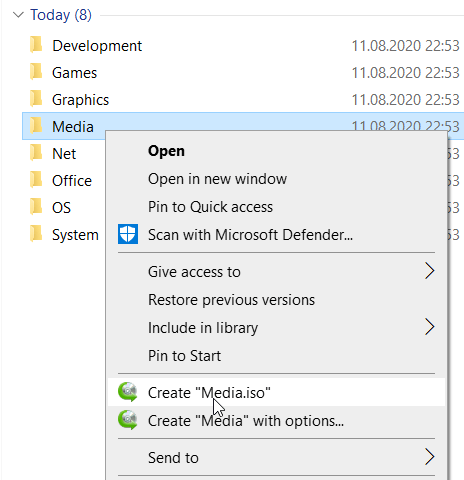
AnyToISO can create ISO images from files and folders located on the local disk. For this, there should be a folder that contains all the files/folders for the required ISO image. Then select a folder under the 'Folder to ISO' tab of the application (in Windows, simply right-click on the folder in Explorer). Suggest selecting the required label. The final ISO image is compatible with Windows/macOS/Linux and can be read by any program that supports ISO images. Of course, it can be burned on CD/DVD/Blu ray optical media.
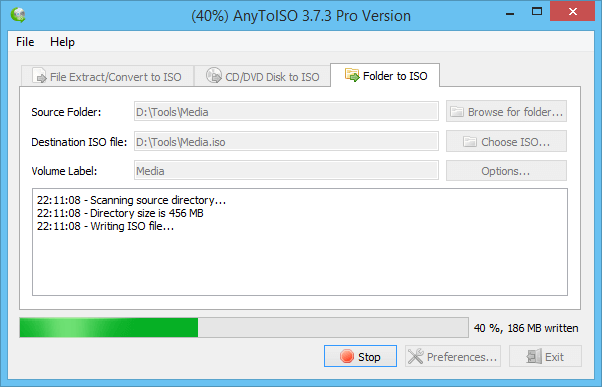
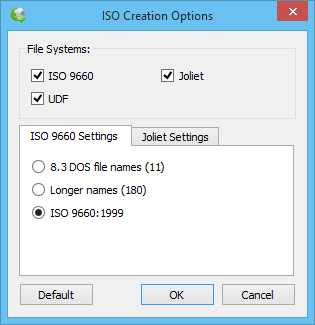
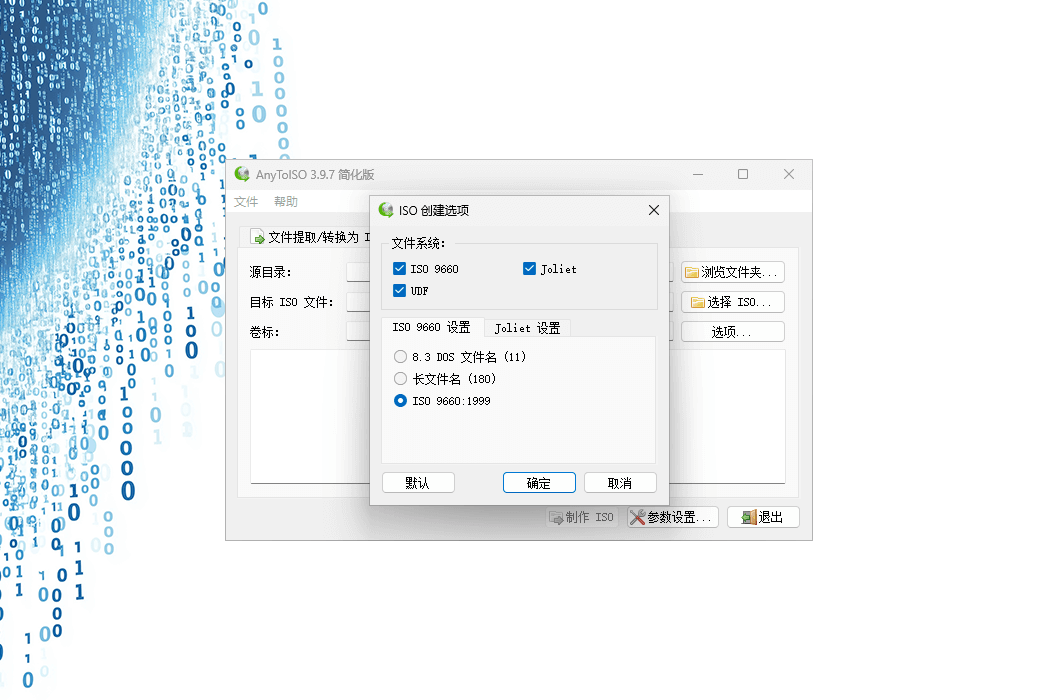
The default file systems include ISO 9660, Joliet (ISO 9660 extension, supports lowercase letters and long file names), and UDF. After clicking the 'Settings' button, you can configure the file system and its parameters in a special dialog box.